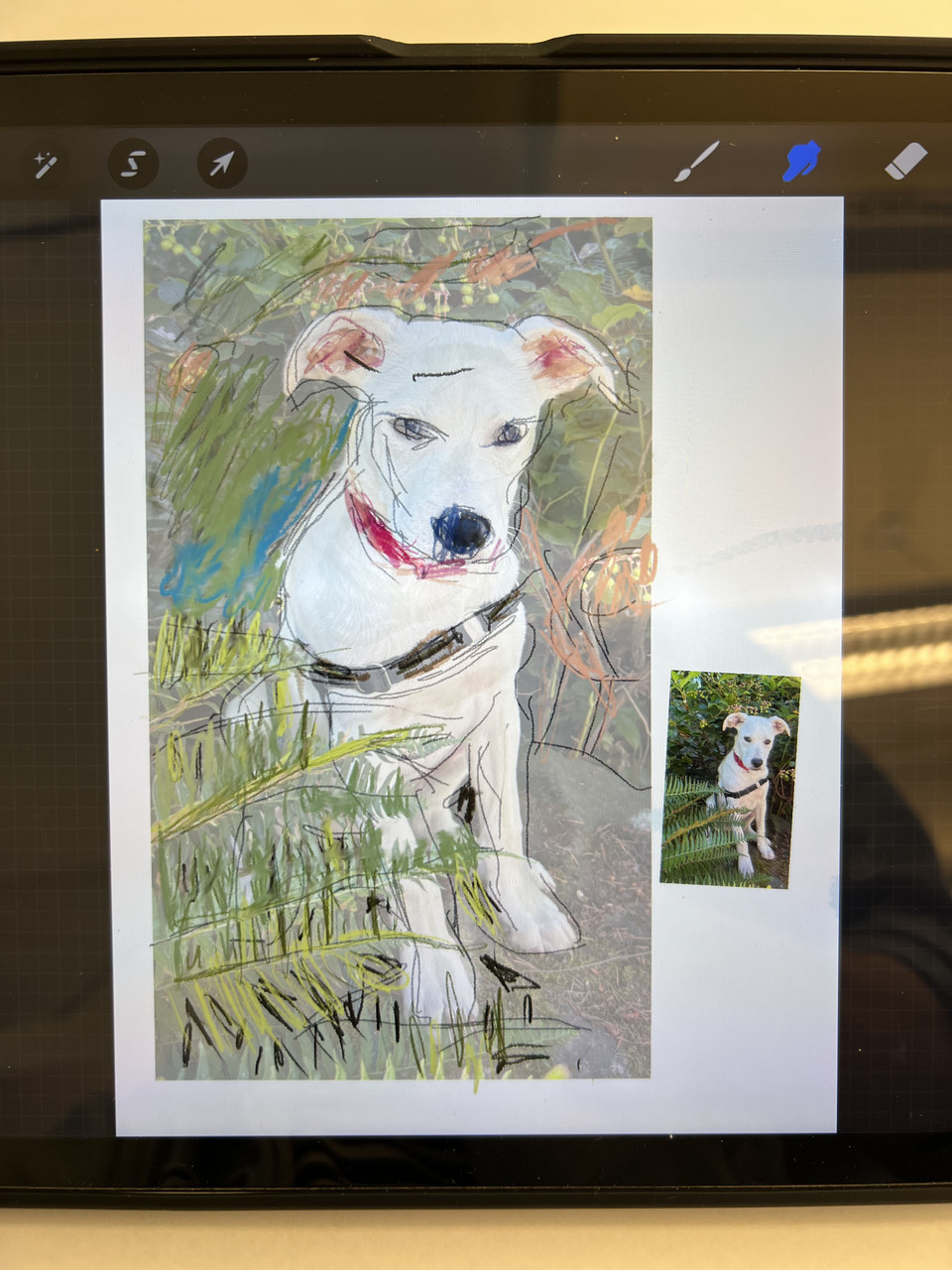
Description
We’re all familiar creating art with traditional materials such as paper, pencils, ink and paint. In this workshop, you’ll experience an entirely new “digital” drawing process using your iPad, Apple Pencil the amazing Procreate software program. This introductory level 3-day workshop is divided into multiple hands-on segments, each exploring the basics of Procreate’s toolset, sketching with an Apple Pencil, integrating photographs, exploring Procreate brushes, working with layers, and exporting your completed digital artwork. Participants experience the dynamic characteristics of digital visualization and the joy at how easy it is to create iPad art with such a portable and powerful machine. This workshop is tailored to visual artists wanting to sketch options for new paintings, to graphic designers exploring alternative ideas for printing projects, and to creative individuals curious to expand their visualization skillsets.
About the Instructor
He authored the book DRAWING SHORTCUTS, about merging traditional drawing methods with new digital tools and software. Jim creates digital art using his iPad, Apple Pencil and Procreate software. He has taught his easy to learn techniques in numerous iPad Art summer workshops at the Sitka Center. Devoted to the history and beauty of the Rocky Mountains and Pacific Northwest, Jim has home studios in both Denver and Gleneden Beach.
Learn More
www.leggittstudio.com
Materials List
You will need to bring:
Each participant must bring either an iPad Pro 11-inch or iPad Pro 12.9-inch (third generation or newer) loaded with Procreate, the Apple Pencil 2nd Generation and power cords associated with their devices. iPhones, keyboards and laptops are not required for this workshop.
Provided by instructors:
The instructor will provide some traditional drawing materials and handouts for a portion of the workshop agenda.